Hot Wheels Scanner: A Collector's Guide to Scanning, Identifying, and Valuing Your Diecast
What Is a Hot Wheels Scanner, Anyway?
If you have been collecting for more than a few years, you remember lugging a paper checklist to the store and squinting at tiny card numbers. A Hot Wheels scanner is any tool that helps you identify a car fast, usually by reading a barcode, a card image, or a code on the packaging. It is not one official device from Mattel. It is a catch-all term for apps and software collectors use to look up what they are holding.
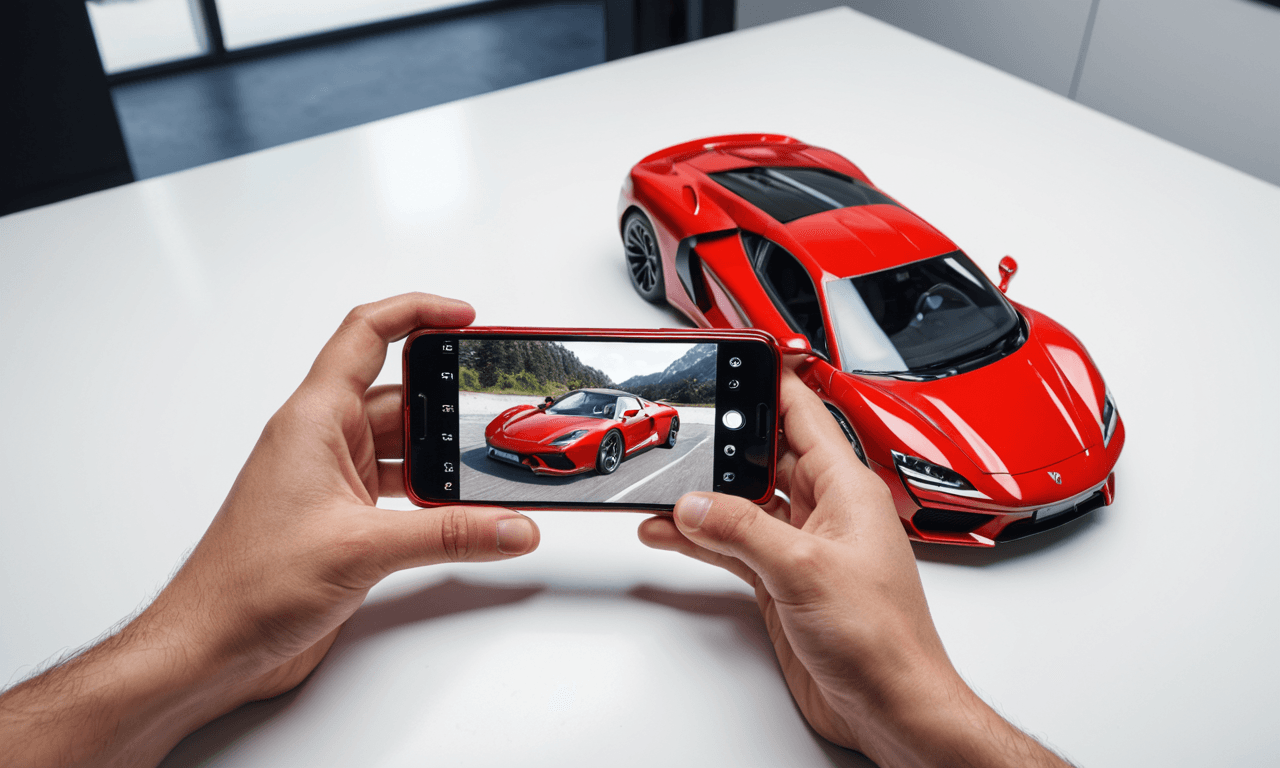
The most common type is a barcode scanner built into a mobile app. You point your phone camera at the barcode on the back of a Hot Wheels card, and the app tries to match that number to a car in its database. Some apps also let you scan the card front to recognize the model using image recognition. Results vary widely depending on how complete the app's database is and how good your lighting is.
We have tested plenty of these tools over the years. Some are great for quickly checking a mainline before you drop it in your basket. Others are better for cataloging your collection at home. None are perfect, and that is the first thing you need to accept. A scanner is a helper, not an oracle.
How Collectors Actually Use Scanners
In the wild, a scanner is mostly about speed. When you are staring at a freshly stocked peg wall, you have maybe 30 seconds before another collector swoops in. A quick barcode scan can tell you if a car is a regular mainline, a Treasure Hunt, or something you already have 3 of. But here is the catch: many mainlines share barcodes across different colors or releases, so the scan might return a generic result. That is why we always double-check the card art and the code stamped on the back.
At home, scanners shine for inventory. If you have hundreds or thousands of cars, scanning each barcode into a spreadsheet or app can save hours of manual entry. We have seen collectors build entire databases this way. The trick is to scan in batches and verify as you go. One misread barcode can throw off your whole count.
Price checking is another popular use. Some apps pull recent sales data when you scan a car. That can give you a rough idea of value, but be careful. Condition matters enormously. A card with soft corners or a dented blister is not worth the same as a mint one. A scanner will not see those flaws. You have to train your own eyes.
Pro tip: Use a scanner to identify, but use your hands and eyes to grade. Always check the card corners, the blister seal, and the paint for scratches before you trust any price a scanner gives you.
Barcode Scanning vs. Card Recognition
There are two main technologies behind Hot Wheels scanners: barcode reading and image recognition. Each has strengths and weaknesses.
Barcode Scanning
Barcodes are fast and reliable when they work. The barcode on a Hot Wheels card is usually a UPC or EAN code. Many apps have large databases of these codes, but coverage is not universal. New releases might not be in the database yet. International cards sometimes use different codes. And as mentioned, the same barcode can cover multiple variants, especially in multipacks or store exclusives.
We have found that barcode scanning works best for older, well-documented releases. For brand-new 2026 cases, you might get a miss. That is not a failure of the app, it is just the nature of a hobby where new product drops every few weeks.
Card Recognition
Image recognition is cooler in theory. You snap a photo of the card front, and the app tries to match it to a known model. When it works, it feels like magic. When it fails, it can be frustrating. Lighting, glare, and card condition all affect accuracy. Some apps handle this better than others. In our experience, card recognition is a nice backup when a barcode is missing or damaged, but it is not yet a replacement for knowing your stuff.
A few apps combine both methods. They will try the barcode first, then fall back to image recognition. That hybrid approach is usually the most reliable.
Limitations and Pitfalls to Watch For
No scanner is perfect, and we would be doing you a disservice if we pretended otherwise. Here are the biggest issues we have run into.
-
Database gaps: New releases and store exclusives may not be listed. International variants often missing.
-
Shared barcodes: Many mainlines share the same barcode across different colors or assortments. You may get a generic result.
-
Condition blindness: Scanners cannot see bent corners, yellowed blisters, or paint chips. Always grade manually.
-
Price inaccuracy: Values fluctuate. A scan might show a price from months ago or from a different condition car.
-
Privacy and data: Some apps require account creation or access to your photos. Read the permissions before you install.
We have also seen collectors rely too heavily on scanners and miss obvious treasures. A scanner will not tell you that a car is a Super Treasure Hunt with Spectraflame paint and Real Riders if the barcode is shared with a mainline. You need to know the visual cues. That is part of the fun, honestly.
Remember: A scanner is a tool, not a replacement for experience. The best collectors use technology to speed things up, but they trust their own eyes for the final call.
Building Your Own Scanning Workflow
Over the years, we have developed a simple workflow that combines scanning with old-school methods. It works for both peg hunting and home inventory.
At the Store
-
Step 1: Do a quick visual scan of the pegs for known Treasure Hunt logos or Spectraflame paint.
-
Step 2: For any car you are unsure about, use a scanner app to check the barcode. Note the result but do not rely on it blindly.
-
Step 3: Check the card back for the code (usually a series of letters and numbers). This can help you identify the case assortment.
-
Step 4: Inspect the card and blister condition. If it is mint, consider grabbing it even if the scanner says it is common. You never know.
At Home
-
Step 1: Set up a well-lit area with a neutral background. Good lighting improves scan accuracy.
-
Step 2: Scan in batches of 20 to 30 cars. Take a short break to avoid fatigue and misreads.
-
Step 3: Cross-check each scan against the physical car. If the app returns a different model, flag it for manual review.
-
Step 4: Export your data to a spreadsheet or use our catalog to keep a master list. Back it up regularly.
We also recommend keeping a small notebook or a notes app handy. Sometimes the fastest way to record a car is to jot down the code and name. You can scan it later when you have more time.
The Future of Hot Wheels Scanning
Technology keeps improving. We are seeing more apps with better image recognition and larger databases. Some collectors are even experimenting with RFID tags or QR codes for their own storage systems. Mattel has not released an official scanner, but who knows what the future holds.
For now, the best approach is to stay curious and keep practicing. Try different apps, see which one fits your needs, and always double-check the results. The hobby is about the hunt, and scanners are just another tool in your bag.
Frequently Asked Questions
Q: Do I really need a scanner to collect Hot Wheels?
A: Not at all. Many veteran collectors never use one. A scanner can save time, especially for inventory, but it is not essential. Your knowledge and eye are the most important tools.
Q: Can a scanner tell me if a car is a Treasure Hunt?
A: Sometimes. If the app's database includes Treasure Hunt variants, it might flag it. But many Treasure Hunts share barcodes with mainlines, so the scanner may not catch it. Always look for the flame logo and the rubber tires (Real Riders) on Super Treasure Hunts.
Q: Are there any free Hot Wheels scanner apps?
A: Yes, there are free apps with basic scanning features. Some offer paid upgrades for advanced features like price tracking. We suggest trying a few free ones first to see which interface you like. Just be mindful of ads and data permissions.