The Ultimate Hot Wheels Wiki Guide for Collectors

Welcome to the Hot Wheels Wiki, Your Digital Garage
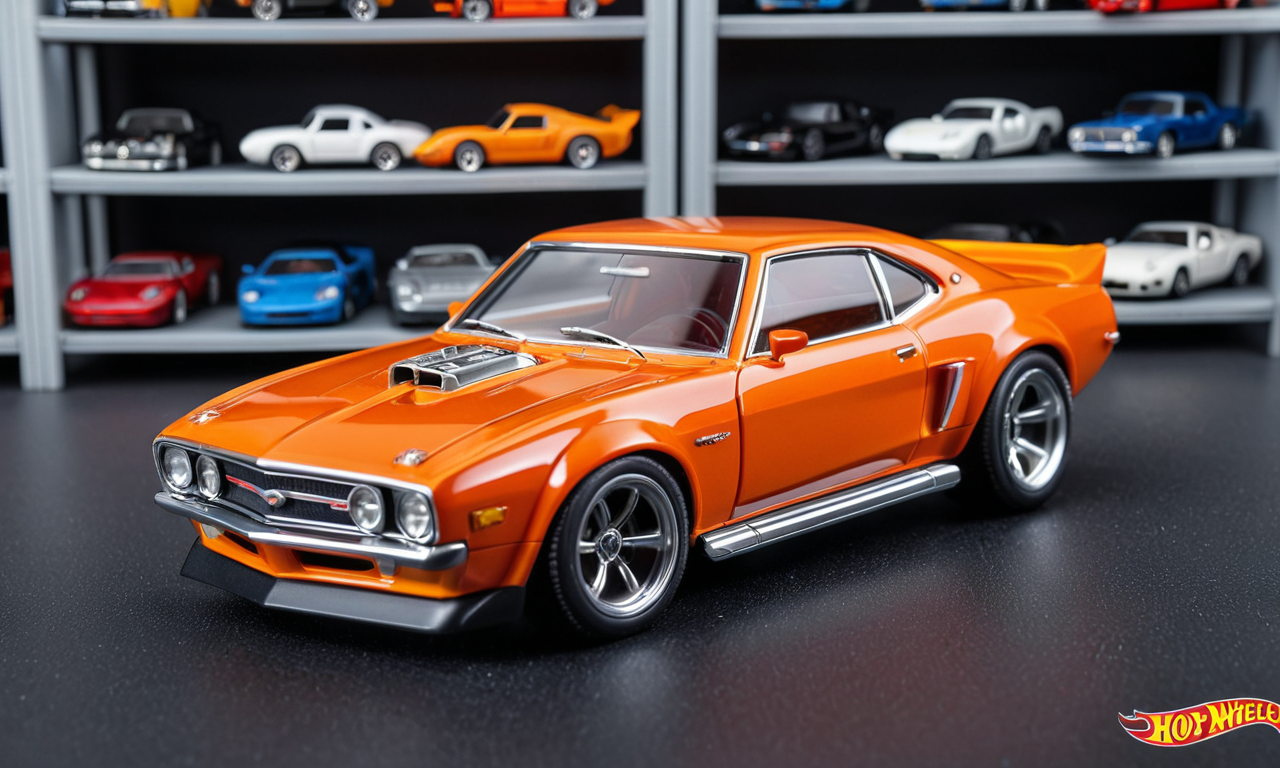
If you've been hunting pegs as long as I have, you know the feeling. You spot a fresh case on the shelf, and your heart skips a beat. But what if you're not sure which cars are in that case? Or you find a casting you like but can't remember its history? That's where the Hot Wheels Wiki comes in. It's not the official Mattel site, it's a fan built database that has become the go to resource for collectors worldwide.
I remember when I started collecting in the late 90s. We had price guides and word of mouth. If you wanted to know about a car from 1975, you had to find an old catalog or hope a fellow collector had the info. Now, the wiki gives you instant access to thousands of castings, variations, and history. It's like having a wise old collector sitting on your shoulder, but without the cigar smoke.
What Is the Hot Wheels Wiki Exactly?

The Hot Wheels Wiki is a collaborative, community driven encyclopedia. It covers everything from the original 16 Redlines to the latest 2026 mainline releases. Anyone can edit, but the regular editors are passionate collectors who fact check and debate every detail. That level of commitment means you can trust the info, mostly. Always cross reference if you're about to drop serious money on a variation.
The site is built on MediaWiki, the same software that runs Wikipedia. That means it has a familiar layout. You search for a casting name, and you get a page with a photo, the casting's debut year, designer, and a list of all its releases. Some pages are bare bones, others are detailed. It depends on how much love that casting has gotten from editors.
The Core Sections You Will Use Most
The wiki is divided into several main areas. The casting pages are the heart. Then you have pages for each series like mainline, Red Line Club, or Car Culture. There are also pages for individual years, which list every mainline car released in that year. That is handy when you are trying to complete a set.
-
Casting pages: Show every variation, color, and wheel type across all years. Includes release dates and case numbers when known.
-
Series pages: Group cars by theme, like Nightburnerz or Jay Leno's Garage. Good for seeing what you might be missing.
-
Year pages: List all mainline cars from a specific year. Great for checking off your want list.
-
Treasure Hunt and Super Treasure Hunt pages: Dedicated to the chase cars. Vital for knowing what to look for on the pegs.
Each casting page also has a history section. That tells you when the casting was first used and any notable variations. For example, the Custom Camaro from 1968 has been released in dozens of colors and with different wheel types. The wiki tracks all that.
Pro tip: When you're at a flea market and see a Redline, pull out your phone and check the wiki. Look at the wheel type and the color. That can save you from paying $50 for a common version when the rare one goes for $500.
How to Use the Wiki for Research Like a Pro
The wiki is not just for looking up one car. You can dig deep into entire series. Say you find a Car Culture set at Walmart and you're not sure which cars are in it. Search for the set name and you'll see every car in that set, including the chase cars if they exist.
One thing I love is the case code information. Many pages list which case a car appeared in, like 2025 A case or 2026 B case. That is crucial for peg hunters. If you know the case code, you can ask a store employee when they restock or even look at the shipping boxes if they are out.
Researching Treasure Hunts and Super Treasure Hunts
The wiki has detailed pages for every Treasure Hunt and Super Treasure Hunt. You can see the exact Spectraflame color for a Super or how to spot the TH symbol. For example, the 2025 Super Treasure Hunt Ford Mustang has a distinctive green Spectraflame and rubber tires. The wiki shows you photos from every angle.
I cannot tell you how many times I have passed over a Super because I did not recognize it. The card looks similar, but the wheels give it away. Real Riders are the standard for Supers. The wiki also notes if a Super has a different interior color or tampos. That is the kind of detail that separates a seasoned hunter from a newbie.
But be careful. The wiki is not always up to date. New cases hit stores faster than editors can update. Always double check with other sources like YouTube unboxings or collector forums. Use the wiki as your baseline, then verify.
The Community Behind the Wiki
The Hot Wheels Wiki is not just a database. It has a vibrant community of editors and users. There is a discussion page for each article where collectors talk about findings and argue over details. You can join in with questions. The regulars are usually friendly and willing to help a newbie.
I have been on the wiki for years, mostly as a lurker. But I have contributed a few photos of my own finds. It feels good to give back. The community also runs projects like cleaning up old pages or adding missing information. You can volunteer if you have knowledge about a specific era, like the 1980s Blackwalls.
Join the wiki's Discord server if you can. That is where real time talks happen. You can ask about a case code you just spotted and get an answer within minutes. That is invaluable when you are standing in the aisle.
How to Contribute to the Wiki
You do not need to be a tech wizard to edit. The wiki uses standard editing tools. You can add a missing color variation or correct a typo. Start small. Add a photo of a car you own that is not on the page. That is a big help because visual confirmation is key.
When you contribute, follow the style rules. Use the official casting name. Do not use nicknames. For example, call it the Custom Camaro, not the '69 Camaro. Also, be accurate about the year. That is a common mistake. The year on the base is not always the release year.
If you are not sure about a fact, do not guess. Put a note on the talk page asking for clarification. The community will appreciate your caution. I have seen editors revert bad edits quickly, so be prepared to back up your claims with evidence.
Common Pitfalls and How to Avoid Them
The wiki is powerful, but it has flaws. One issue is that some pages have outdated information. A car might be listed as coming in a future case when it has already hit stores. Another issue is that the wiki sometimes omits rare variations. That is why you should not rely solely on it for high stakes purchases.
Another pitfall is getting overwhelmed. The wiki has thousands of pages. If you are new, start with your favorite casting. Look at its history and variations. Then branch out to series you collect. Do not try to read everything at once.
-
Always check the edit date on a page. If it has not been updated in months, the info might be stale.
-
Use the watchlist feature to keep an eye on pages you care about. You will get notified of changes.
-
Do not use the wiki as a price guide. It does not list values. For that, check sold listings on eBay or collector price guides.
-
Cross reference with the Hot Wheels Collectors Wiki, which is a separate site but also useful.
Another common mistake is confusing the year of the casting with the year of the release. For example, the 1968 Camaro was released in many years. The wiki lists the casting year, not the production year. That affects how you search.
FAQ
Question 1: Is the Hot Wheels Wiki the same as Wikipedia? No, it is a separate wiki dedicated to Hot Wheels. It is not affiliated with Mattel, but it is run by fans.
Question 2: How often is the wiki updated? It depends. During new case releases, active editors update within days. Older pages might go months without changes. You can help by contributing.
Question 3: Can I use the wiki to identify a car I found? Absolutely. Search by the casting name on the base or the card. If you do not know the name, browse the year pages or use the photo gallery.